The Dynamics embed: giving gift officers documents without giving them another tab
Here is a quiet truth about software adoption in advancement: gift officers will not use another tool. Not because they are difficult, but because they are busy and relationship-focused, and every new tab is a small tax on the work they actually care about. You can build the best document system in the world, and if using it means leaving Dynamics and logging into something else, most officers simply will not.
So the goal is not to give gift officers a document system. It is to give them the documents, without giving them anything new to learn or another tab to keep open.
The adoption problem, stated honestly
Advancement teams have watched this pattern before. A useful system gets bought, training happens, and then usage drifts to a handful of diligent people while everyone else keeps working the way they always did. The system was not bad. It just asked officers to change their habits, and habits under deadline pressure do not change.
Documents are especially prone to this. The whole point of having a gift officer see an agreement is that it is available at the moment they need it, before a call, before an ask. If seeing it requires stopping, switching tools, logging in, and searching, the friction lands exactly when the officer has the least patience for it. The document might as well not exist.
Put the documents where the officer already is
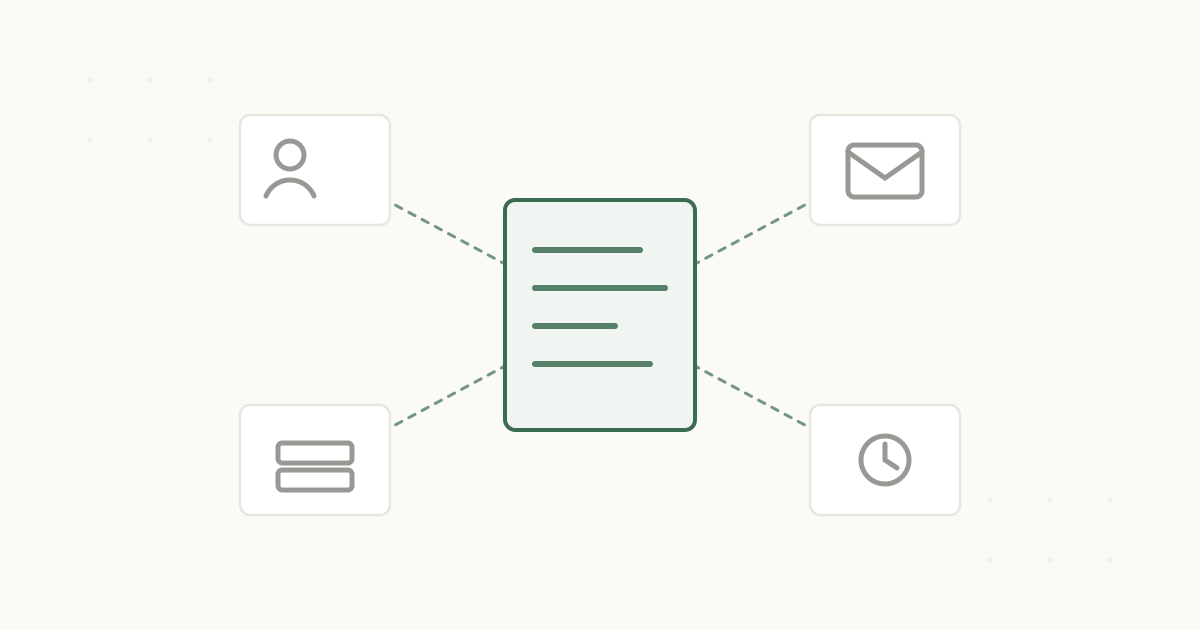
The Dynamics 365 embed solves this by refusing to make officers go anywhere. Instead of sending them to a document system, it brings the documents into Dynamics, onto the constituent record they are already looking at.
Open a donor in Dynamics, and a documents panel shows their agreements, side letters, amendments, and correspondence, filed and searchable, one click away. The officer does not open another tab, does not log into a second system, does not ask advancement services to go dig. The document they need is on the record they are already on. Nothing about their workflow changes except that the paper history is finally present.
That is the whole design philosophy: meet officers where they work rather than asking them to come to the documents.
Tools that add a tab get ignored. Tools that put the right thing where people already look get used.
Why the connection is more than convenience
Underneath the convenience is a clean architecture. Dynamics stays the system of engagement, owning the contacts and the giving history. PaperlessZen™ is the document system of record, owning the agreements and their obligations. The two are linked by identifier, so the documents that appear on a Dynamics record are the authoritative, governed versions, not stray copies, and the connection stays coherent as records change.
So the officer is not just seeing documents; they are seeing the real documents of record, with everything that implies, current versions, tracked obligations, and a full audit trail behind them, all surfaced in the tool they never had to leave.
Adoption you do not have to fight for
The best sign that this works is that there is nothing to adopt. Officers keep using Dynamics exactly as before. The change is invisible to their habits and obvious in their results: the donor’s paper history is simply there when they open the record. You do not have to run a training campaign to get people to use a documents panel that appears inside the tool they already live in.
A separate document system
Another tab, another login, another habit to build
Usage drifts to a handful of diligent people
The friction lands right before the call, when patience is lowest
The Dynamics embed
Documents appear on the constituent record officers already open
Nothing new to learn and nothing to adopt
The versions shown are the governed documents of record
That is how you actually get documents to gift officers: not by giving them a new system, but by making the documents show up where they already are. See how the Dynamics embed works, or read why documents belong on the constituent record. When you want to see it on your own records, book a demo.