Documents belong on the constituent record, not in a folder named "Scans 2019"
Somewhere on your shared drive is a folder called “Scans 2019,” or something like it. Inside are hundreds of documents that were important enough to scan and not organized enough to find. The folder is a monument to a specific mistake: filing documents by when they were scanned rather than by who they concern. It felt reasonable at the time. It guarantees that nobody will ever find anything in it again.
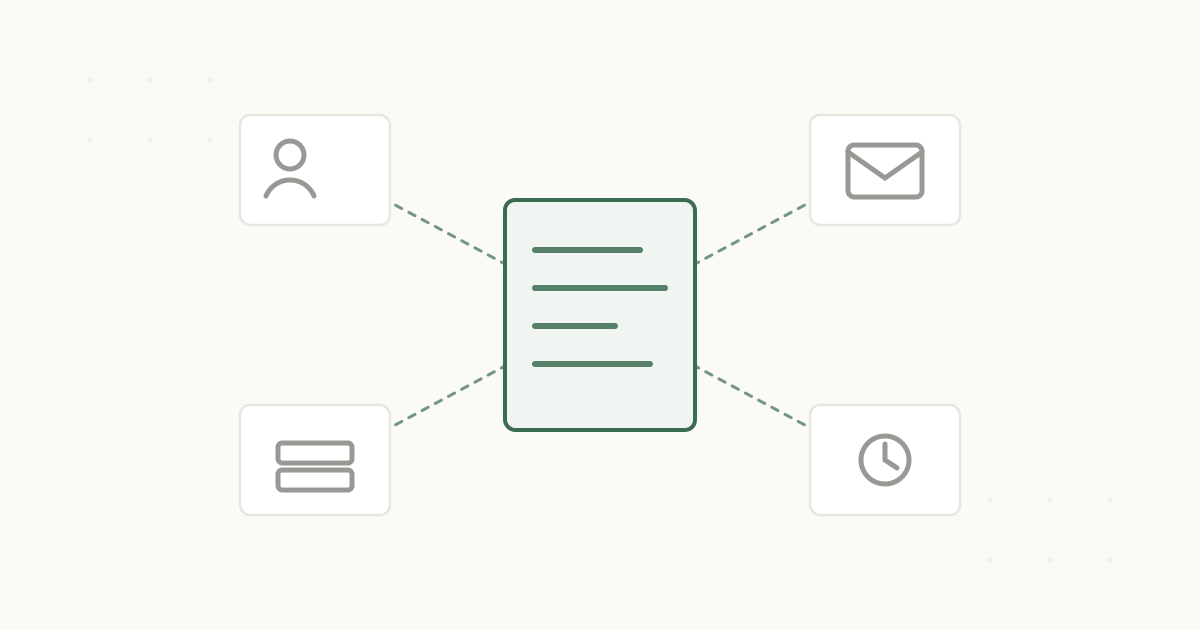
The fix is a shift in what a document is attached to. Not a folder, not a date, not a batch, but the person or entity it is actually about.
Why folder-based filing fails
A folder is a single location, and it forces you to answer an impossible question every time you file: where does this go. The same gift agreement could reasonably live under the donor’s name, the fiscal year, the fund it supports, or “Agreements.” Every answer is defensible, which means every document ends up in one of several places and you have to guess which when you go looking.
“Scans 2019” is what happens when someone gives up on that question. The batch got scanned, nobody wanted to sort it, so it went into a folder named for the year, and the connection between each document and the donor it concerns was never made. The documents are stored. They are also, for practical purposes, lost.
What “attached to the record” changes
The alternative is to attach each document to the record it concerns, the donor, the fund, the vendor, rather than to a location. This sounds like a small distinction and it changes everything about whether a document is useful.
When a gift agreement is attached to the donor, it lives with everything else about that donor: the prior agreements, the amendments, the side letters, the correspondence, the giving history. Open the record and the whole relationship is there, in context, in one place. You are not searching a folder tree and guessing. You are looking at the person, and their documents are simply part of them.
This also survives change in a way folders never do. Reorganize, rename, restructure, and a folder-filed document gets orphaned, because its location was its only identity. A document attached to a record by identifier keeps its connection no matter how things are reorganized. The link holds.
The gift officer test
Here is the test that shows why this matters. A gift officer is about to call a donor and wants to see everything the institution has agreed to with them. With folder-based filing, that is a project. With documents attached to the record, it is a glance.
Filed by folder
Check the donor folder, then Scans 2019, then the fund folder, then email
Assemble the picture by hand and hope nothing was missed
One drive reorganization and documents get orphaned
Attached to the record
Open the donor and the full documented history is there
Agreements, amendments, side letters, and correspondence in one place
The link holds through any reorganization
The officer does not care where a document is stored. They care that when they open a donor, the relevant documents are present. Attaching to the record is what makes that true. Storing in folders is what makes it a scavenger hunt.
Getting out of the folder
If you already have a “Scans 2019” folder, the good news is that it is a fine input to fixing the problem. Pointed at that folder, a system can read each document, work out who it concerns, and attach it to the right record, turning a batch nobody could navigate into documents that live where they belong. You do not have to re-sort it by hand. You have to let the documents find their people.
A document is only as useful as its connection to the thing it is about.
The principle is simple and worth holding onto. File by folder and you break that connection. Attach to the record and you keep it. See how documents live on the constituent record in our CRM integration, or read why your CRM is the system of engagement and what your system of record is. When you want to see it, book a demo.