Scanning is the easy part: why OCR without classification just moves the pile
Plenty of organizations have “gone paperless” and are no better off for it. They scanned everything, dutifully, and now the boxes are gone and in their place is a drive with forty thousand PDFs named by the scanner. The fundamental problem, finding the one document you need, is exactly as hard as it was, and now you cannot even flip through a folder.
The paper pile became a digital pile.
Scanning is the easy part. It is also the part most digitization efforts mistake for the whole job.
What scanning does and does not do
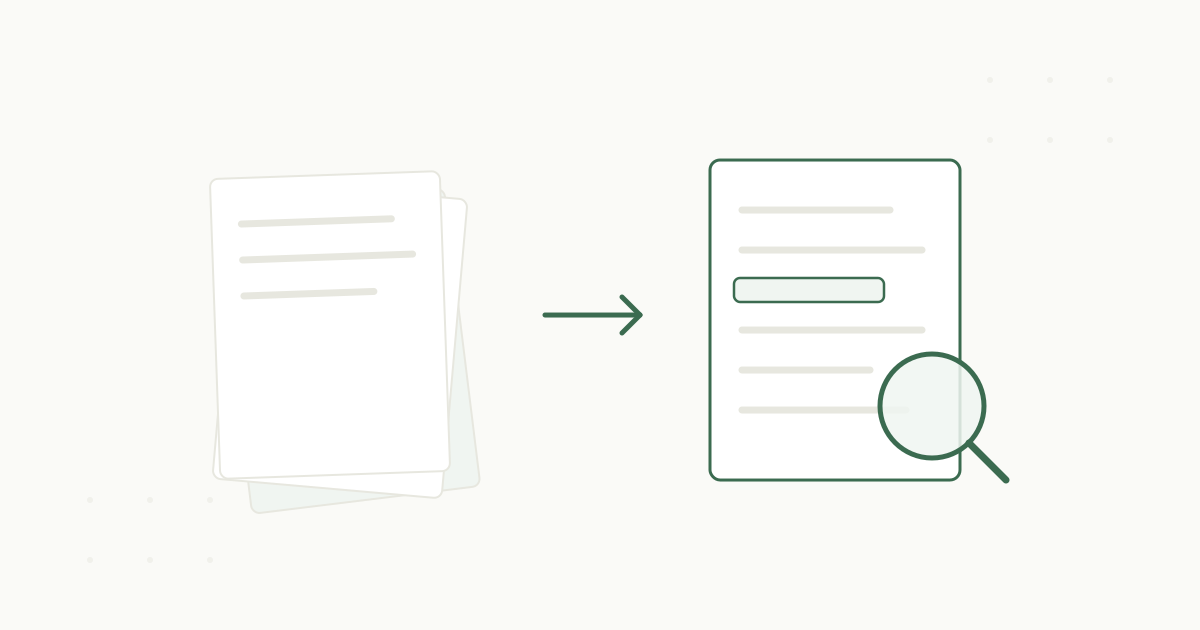
Scanning converts paper into an image file. If it includes optical character recognition, it also makes the text inside searchable, which is a real and necessary step. But searchable text alone does not tell you what a document is, whose it is, or where it belongs. A scanned, OCR’d PDF of a gift agreement is findable by its words, which is genuine progress, but it is still floating free, unconnected to the donor, the fund, or the other documents it relates to.
That connection, knowing what each document is and attaching it to the right record, is classification. It is the step that turns a searchable pile into an actual archive, and it is the step that gets skipped, because it is the hard one.
Why classification is where efforts break down
Classification is hard by hand because it requires reading and judgment on every document, at scale. Someone has to look at each file, understand what it is, figure out which donor or contract or fund it belongs to, and file it accordingly. Across forty thousand documents, that is the summer-of-temp-staff problem, and it is why so many organizations scan everything and then quietly never classify any of it. The scanning was fundable. The classification was not.
So the pile moves and the problem stays. You can now search forty thousand documents by keyword, which sounds useful until you search for “endowment agreement” and get back six hundred results with no way to tell which one concerns the donor in front of you.
What changes when classification is automatic
The reason this is worth writing about now is that classification no longer has to be manual. When a document is read on the way in and the system proposes what it is and where it belongs, the hard step becomes a review step.
In practice, intake reads each document, classifies it, and proposes the filing and the record it connects to, and a person confirms rather than sorts. That collapses the cost of classification from prohibitive to manageable, which is what finally lets an organization do the step it always skipped. The document does not just land in a searchable drive. It lands attached to the donor or contract it concerns, alongside its related documents, where it is actually useful.
The difference shows up the first time you need something.
Scanning alone
Forty thousand PDFs named by the scanner
Six hundred keyword results to sift by hand
Every document floats free of its donor and fund
Scanning plus classification
Each document read, classified, and filed on the way in
Open the donor's record and the document is right there
Amendments and side letters sit beside their originals
Do not stop at scanning
If your organization has already scanned everything and you are still struggling to find anything, you have not failed at going paperless. You have completed the first step and mistaken it for the last. The scanned, OCR’d archive you already have is a perfect input to the step you skipped. Point a system at it, let it read and classify what is there, and the pile you have been living with becomes the archive you were promised.
And if you are just starting, plan for classification from the beginning. Scanning without it is motion without progress. On why “searchable” should mean more than keyword-matching a pile, see how full-text search should actually work.
Scanning moves the pile. Classification clears it. See how both come together in how PaperlessZen™ works, or read about the findability problem storage never solves. When you are ready, book a demo.