Email is where documents go to hide: setting up an intake address that works
Ask where your organization’s documents actually live and the honest answer, for a surprising number of them, is “in someone’s email.” The countersigned contract, the side letter from counsel, the signed form a colleague forwarded, the scan a board member sent from their phone. Each one arrived as an attachment, got glanced at, and then stayed exactly where it landed. The document exists. It is just trapped in a personal inbox that vanishes the day that person leaves.
Email is where documents go to hide, and the fix is simpler than most teams expect. It is an intake address.
Why the inbox is the worst filing system
An inbox is optimized for conversation, not retention. Attachments are buried in threads, findable only by whoever received them, and gone when the account is deactivated. A signed agreement sitting in one person’s email is invisible to everyone else, unsearchable by the rest of the team, and one departure away from being lost entirely.
Worse, nobody decided this. The document did not get filed in the inbox on purpose. It simply never got filed anywhere else, and the inbox is where it stopped moving. Multiply that across a team and a decade, and a meaningful share of your important documents are scattered across accounts, one resignation at a time from disappearing.
An intake address is the on-ramp
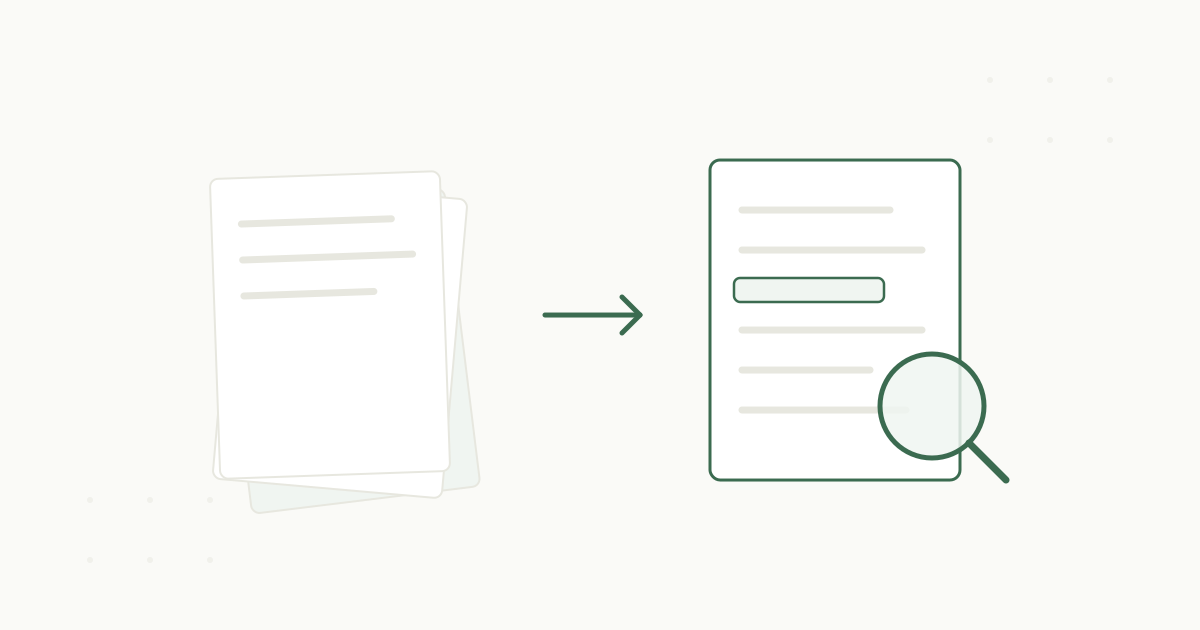
The simplest way to get documents out of inboxes is to give them somewhere better to go, with as little friction as possible. That is what an intake email address is: a single address that turns any forwarded attachment into a filed, searchable record.
When a document arrives in someone’s email, they forward it to the intake address, and intake reads it, classifies it, and files it on the right record. No plugin to install, no new tool to learn, no change to how mail works.
A document lands in email
A contract, a side letter, a scan from a phone.
Forward it to intake
One address to remember, nothing to install.
Intake reads and proposes
It classifies the document and suggests the record it belongs on.
A person confirms
One click, and it is filed and searchable.
A document lands in email
A contract, a side letter, a scan from a phone.
Forward it to intake
One address to remember, nothing to install.
Intake reads and proposes
It classifies the document and suggests the record it belongs on.
A person confirms
One click, and it is filed and searchable.
If you can forward an email, you can file a document into the archive. That low friction is the whole point.
A filing step that takes effort is a filing step people skip.
Making it work in practice
A few habits turn an intake address from a nice idea into a reliable pipeline.
Make forwarding the reflex. The goal is that the moment a document lands in an inbox, forwarding it to intake is automatic, the way replying is automatic. A short norm, “documents go to intake, not the drive,” is easier to follow than any folder convention, because it is one address to remember instead of a tree to navigate.
Use rules for the predictable senders. For documents that always come from the same place, a vendor portal, a signing tool, a regular funder, set a mail rule to forward matching messages to intake automatically. Now those documents file themselves with no human step at all.
Trust the confirm step. Because intake proposes the filing and a person confirms, forwarding freely is safe. You are not committing to a final location by forwarding; you are handing the document to a system that will read it and suggest where it belongs. That safety is what lets people forward without overthinking.
The documents you stop losing
Once an intake address is part of how the team works, a category of loss simply ends. The countersigned agreement no longer lives only in the sender’s inbox. The side letter is no longer one departure from gone. The forwarded scan lands on the donor’s record instead of in a thread nobody will open again. The documents that used to hide in email become part of the findable, searchable record like everything else.
It is the least glamorous improvement in going paperless and one of the highest-value. An intake address costs nothing to start using and quietly closes the most common way important documents disappear.
See how email intake fits the whole flow in how PaperlessZen™ works and on the Outlook integration page, or read about the one-at-a-time triage habit for clearing a backlog. When you want an intake address to try, book a demo.